Open themachine
Most generators hand you a black square and hope you don’t ask.
This one shows you the contrast it measured, lets you push every channel,
and tells you before you print whether the thing will actually scan.
❙❙
How to create your code
Four simple steps No account, no watermark — done in under a minute.
Step 01
Choose a type Pick a tab below — Link, Wi-Fi, vCard, PayPal and 10 more.
Step 02
Enter details Fill the form. The live preview updates as you type.
Step 03
Style & brand Open colors, logo and pattern. Watch the scan-health check.
Step 04
Download Save PNG, SVG or PDF — or build an animated QR .
The generator
Build your code
Contrast
21 :1
Scans anywhere Contrast between your foreground and background.
Anything under 4:1 starts failing on worn or badly lit prints.
Before you print
Leave the quiet zone. The standard asks for four modules
of clear space on every side. Crop into it and readers start missing
the code entirely.
Keep the code darker than its background. Light modules on a
dark ground produce an inverted code, and a good many readers will
not decode one.
Raise error correction if a logo covers part of it. Level H
tolerates roughly 30% of the code being obscured; the lower levels
tolerate much less.
Test it at the size and distance it will be used. A code that
scans on screen can still fail on a menu across a table or a poster
across a room.
Guide · How & why
Using the generator
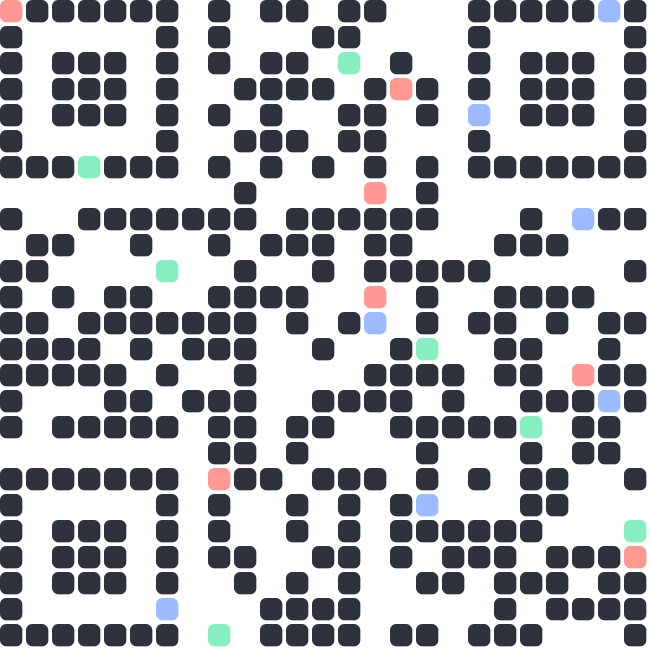
A QR code is a grid of squares that encodes your data. This generator turns your link or text into a scannable code you can style, brand and download — free, with no watermark.
Use cases
Marketing & print-to-digital — branded codes for posters, packaging, cards and event signage.Payments & menus — scan-to-pay, scan-to-download, or table-side digital menus.Contact & connectivity — vCards, Wi-Fi access, locations and calendar events.Your own products — invoice links, dashboards, or shareable record links.
How to use it
1
Choose a type Link, text, Wi-Fi, vCard, PayPal and 10 more — each shows only the fields it needs.
2
Enter your data Fill the form; the live preview regenerates as you type.
3
Colors & design Set foreground/background, pick a pattern and marker style.
4
Logo & frame Add a center logo and an optional "SCAN ME" frame; keep clear modules behind it.
5
Download Export PNG, SVG or PDF — or build an animated QR .
⚠ Before you ship
Bump error correction to Q or H whenever you add a logo or heavy styling — it gives the scanner room to recover the altered area.
Test the real download by scanning it with a phone. The preview can't confirm a code decodes — only a real scan can.
See it in action
Brand it, preview it, ship it Everything updates live as you type — colors, logo, pattern and format.
ismartqr.com
LINK TEXT WIFI VCARD PAY
LINK
URL
https://ismartqr.com
◧ COLORS
▦ DESIGN
◎ LOGO
DOWNLOAD
LIVE PREVIEW
PNG · SVG · PDF
From the blog
Latest guides & news
Accessibility
×
Bigger text Increase font size Smaller text Decrease font size Readable font Dyslexia-friendly typeface Text spacing More letter & line spacing High contrast Boost colour contrast Invert colours Flip the colour scheme Grayscale Remove all colour Highlight links Underline & box every link Big cursor Larger pointer Reading guide Ruler follows your cursor Pause motion Stop animations Hide images Text-only view